
Download Cleanvoice – Free AI Audio Enhancer, Noise Removal, Real‑Time Processing
Overview
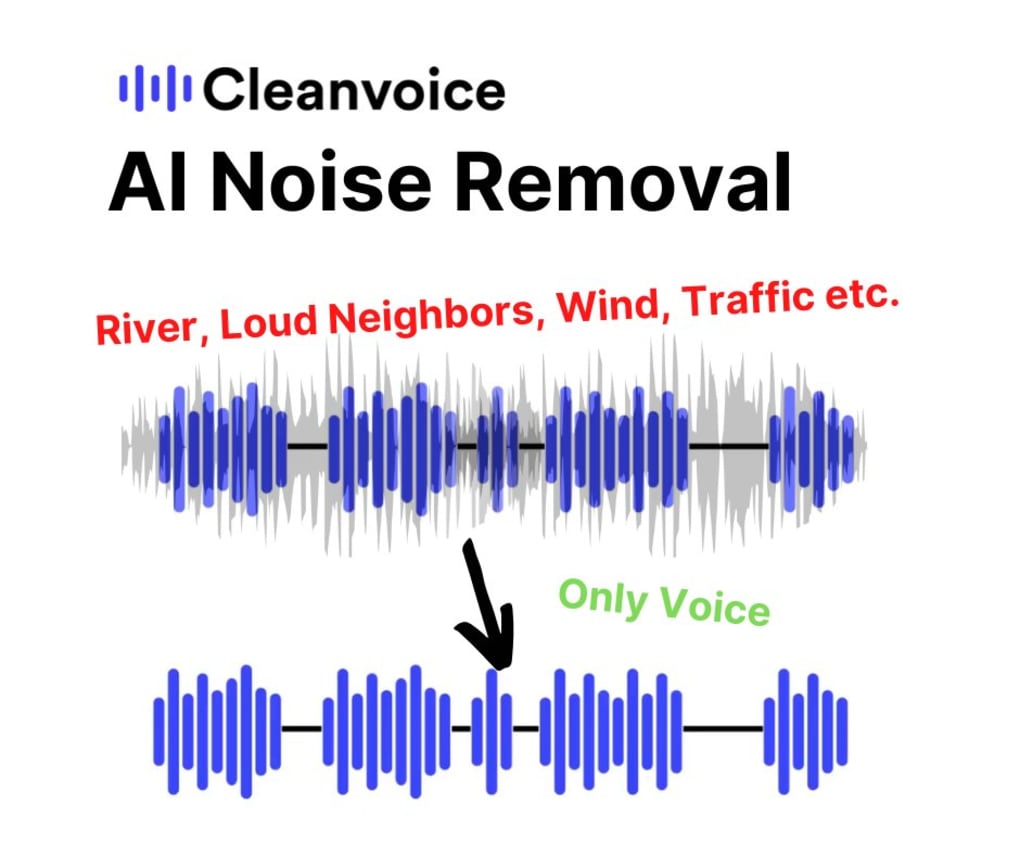
Cleanvoice is a free, AI‑driven audio enhancement tool that turns ordinary recordings into studio‑quality tracks without the need for expensive hardware or a steep learning curve. Targeted at podcasters, voice‑over artists, educators, and anyone who values crystal‑clear sound, the application employs deep‑learning models to detect and suppress unwanted noises, filler words, stutters, and mouth clicks. What sets Cleanvoice apart is its dual‑mode capability: it can clean pre‑recorded files in a post‑processing workflow and also operate in real‑time, cleaning audio as it is captured.
This makes it ideal for live streaming, remote interviews, and on‑the‑fly podcast production. Users simply drag‑and‑drop an audio file, adjust a few intuitive sliders, and let the AI engine handle the heavy lifting. The result is a cleaner, more professional‑sounding track that can be exported to popular formats such as MP3, WAV, AAC, or FLAC.
While the AI is powerful, Cleanvoice respects creative intent by allowing fine‑tuned control over the aggressiveness of each cleaning module, ensuring natural speech nuances remain intact. Its lightweight design runs smoothly on typical consumer hardware, and the free tier offers unlimited processing, positioning it as a compelling alternative to pricey digital audio workstations (DAWs) or costly plug‑ins. Whether you are a seasoned audio engineer looking for a quick cleanup solution or a newcomer eager to improve sound quality without breaking the bank, Cleanvoice delivers a secure, fast, and user‑friendly experience.
Key Features & Benefits
- AI‑Powered Noise Reduction: Automatically isolates background hum, hiss, and environmental sounds while preserving vocal clarity.
- Real‑Time Processing: Cleans audio on the fly during recording, perfect for live podcasts, webinars, and streaming sessions.
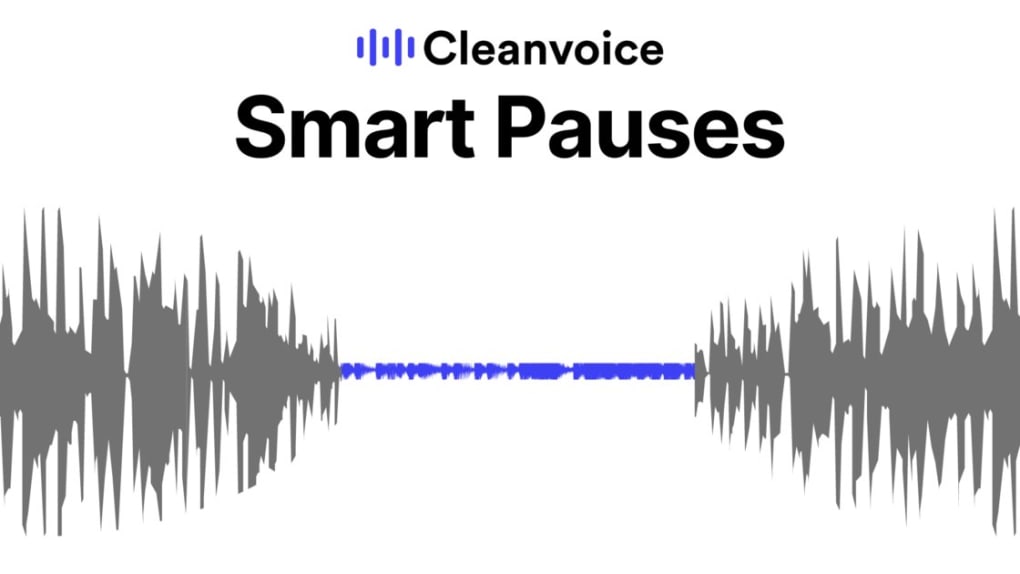
- Filler Word Removal: Detects and eliminates “uh”, “um”, “ah”, and similar filler sounds without cutting natural pauses.
- Stutter & Disruption Fixes: Smooths out speech disruptions, making spoken content flow naturally.
- Mouth Noise Suppression: Removes clicks, pops, and lip‑smack sounds that often appear in close‑mic recordings.
- Batch Processing: Handles large audio libraries or multi‑hour podcasts in a single operation, saving time.
- Export Flexibility: Supports MP3, WAV, AAC, and FLAC outputs with adjustable bitrate and sample‑rate settings.
- User‑Friendly Interface: Drag‑and‑drop workflow, visual waveform preview, and one‑click presets for quick results.
- Cross‑Platform Availability: Available for Windows, macOS, Android, and iOS, ensuring you can edit on any device.
These features translate into tangible benefits for creators. By removing background distractions, listeners stay focused on the message, boosting engagement and retention. The filler‑word and stutter removal tools cut down on post‑production editing time, allowing creators to release episodes faster.
Real‑time processing eliminates the need for a separate monitoring setup, making remote collaborations smoother. Because Cleanvoice is free, it democratizes access to professional‑grade audio enhancement, leveling the playing field for newcomers and seasoned professionals alike. Additionally, the batch‑processing capability means large archives can be cleaned with a single click, freeing up valuable editing time for content creation rather than tedious cleanup.
In short, Cleanvoice provides a secure, efficient, and cost‑effective pathway to higher‑quality audio without sacrificing ease of use.
Installation, Usage & Compatibility
How to Install Cleanvoice
Installation is straightforward across all supported platforms. For Windows and macOS, visit the official website, click the Download button, and run the installer. The wizard guides you through standard steps—accepting the license agreement, choosing an installation folder, and completing the setup. macOS users may need to allow the app in System Preferences > Security > Privacy due to notarization requirements. Android and iOS users can find Cleanvoice in the Google Play Store or Apple App Store; simply tap Install and grant microphone and storage permissions when prompted.
Getting Started with a Recording
After launching the application, you are greeted by a clean dashboard. To clean a pre‑recorded file, click Import, locate your audio, and drop it onto the waveform canvas. The AI begins analyzing the track automatically; a progress bar shows the estimated processing time.
Once analysis completes, adjust sliders for Noise Reduction, Filler Removal, and Mouth Noise to set the aggressiveness level. For live use, click Live Mode, select your input device (e.g., USB microphone), and start speaking; Cleanvoice streams the cleaned audio to your chosen output (headphones, virtual cable, or recording software). When satisfied, press Export and choose your preferred format and destination folder.
System Requirements
- Windows 10 or later (64‑bit)
- macOS 11 (Big Sur) or later
- Android 8.0 (Oreo) or later
- iOS 13 or later
- Minimum 4 GB RAM, 500 MB free disk space
- Internet connection required for the initial AI model download (≈200 MB)
Cleanvoice’s lightweight engine runs efficiently on most modern laptops and smartphones. For large batch jobs or ultra‑high‑resolution audio (24‑bit/96 kHz), a more powerful CPU and additional RAM will improve processing speed. The software also integrates with popular DAWs (Audacity, Adobe Audition, Reaper) via virtual audio routing, giving professionals the flexibility to incorporate AI cleaning into existing workflows.
Pros, Cons, Frequently Asked Questions & Final Thoughts
Pros
- Completely free with unlimited processing
- AI‑driven noise and filler removal works on both recorded and live audio
- Intuitive UI suitable for beginners and pros alike
- Cross‑platform support (Windows, macOS, Android, iOS)
- Fast batch processing for long‑form content
Cons
- AI output quality can vary with extremely noisy source material
- Advanced fine‑tuning options are limited compared to premium plug‑ins
- Initial model download requires a stable internet connection
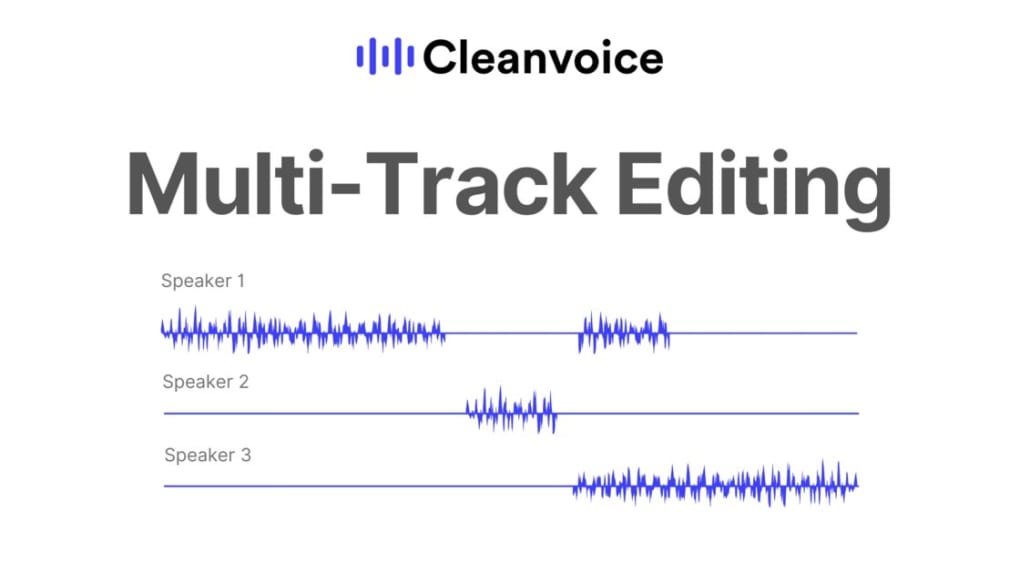
- No built‑in multi‑track editing; requires external DAW for complex projects
FAQ (itemscope itemtype="https://schema.org/FAQPage")
Can Cleanvoice remove background music while keeping speech?
Cleanvoice focuses on speech enhancement and can reduce constant background music, but it may not isolate vocals perfectly if the music is loud and overlapping. For best results, lower the music volume before processing or use a dedicated vocal isolation tool.
Is the real‑time mode suitable for live streaming?
Yes. Real‑time mode processes audio with latency under 150 ms on most modern CPUs, making it viable for Twitch, YouTube Live, or Zoom calls. Just ensure your microphone and output devices are correctly selected in the app’s settings.
Do I need an internet connection after the first download?
No. The AI model is stored locally after the initial download, so subsequent processing works offline. However, future updates and new model improvements will require an internet connection to fetch the latest version.
Can Cleanvoice handle multitrack podcasts with multiple speakers?
Cleanvoice processes each track individually. If you import a multitrack session, apply the cleaning to each channel separately, then export and combine them in your DAW. This ensures optimal noise reduction for each speaker.
What export formats are supported?
MP3, WAV, AAC, and FLAC are supported. You can also set the bitrate (96‑320 kbps for MP3) and sample rate (44.1 kHz, 48 kHz, or 96 kHz) before exporting.
Conclusion & Call to Action
In a landscape where audio quality can make or break a listener’s experience, Cleanvoice stands out as a free, cross‑platform ally that brings professional‑grade cleaning to anyone with a microphone. Its AI engine handles noise, filler words, stutters, and mouth clicks with minimal user input, while real‑time processing opens doors for live creators. Although the technology isn’t flawless—especially with extremely noisy source material—the convenience, speed, and cost‑effectiveness outweigh the occasional imperfections. Whether you’re producing a weekly podcast, recording voice‑overs for a video, or simply want clearer conference calls, Cleanvoice offers a hassle‑free pathway to richer sound.
Ready to elevate your recordings? Download Cleanvoice now and experience AI‑powered audio enhancement for free. Join the growing community of creators who have already trimmed hours of editing time and delivered crisper, more engaging content to their audiences.
Overall Rating: 4.5 / 5
Cleanvoice delivers impressive AI‑driven audio cleaning at zero cost. While it may not replace high‑end studio plug‑ins for critical mastering, it excels as a fast, user‑friendly solution for podcasters and content creators who need quality results without a steep learning curve.



.png)



